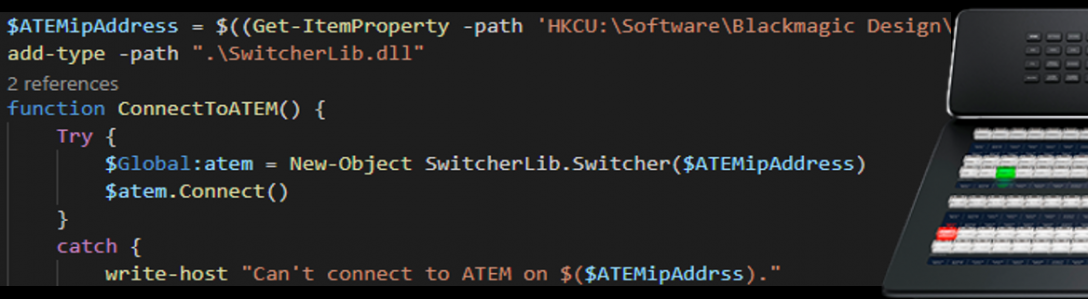

Open Broadcaster Software (OBS) is a great, open source, product that can be used to capture, record and stream a mixture of sources. With support for Decklink cards, it is easy to include the output of an ATEM vision mixer.
Using Windows PowerShell would let you automate OBS using XKeys or a Midi device and even coordinate switching ATEM inputs or playing out graphics from CasparCG at the same time (see my other PowerShell add-ons in https://ianmorrish.wordpress.com/v-ise/)
What you need:
Web Socket add-in for OBS https://obsproject.com/forum/resources/obs-websocket-remote-control-of-obs-studio-made-easy.466/download?version=1124
The following files in your Documents\WindowsPowerShell directory (remember to un-block them after downloading)
Zip File containing:
WebSocket-Sharp.dll
NewtonSoft.Json.dll
OBS-WebSocket-Net.dll
Sample script
Add-Type -path ‘documents\WindowsPowerShell\obs-websocket-dotnet.dll’
$obs = new-object OBSWebsocketDotNet.OBSWebsocket
$obs.Connect(“ws://127.0.0.1:4444”, “password”)
$scenes = $obs.ListScenes()
$scenes
$obs.SetCurrentScene(“Intro”)
#Loop through each scene
$loop = $true; $i =1
Do{
$obs.SetCurrentScene($scenes[$i].Name)
if($i -eq $scenes.Count){$i=1}
else{$i++}
Start-Sleep 5
}While($loop)
#Other commands
$obs.ToggleStreaming()
$obs.ToggleRecording()
All methods and properties for OBS Websocket:


 Video Integrated Scripting Environment (VISE)
[…] https://ianmorrish.wordpress.com/2017/05/20/automating-obs-from-powershell-script/ […]
this is amazing!! you must be a genius! Thanks for sharing this!
PS: Please, if you release some updates to this plugin, send me an notification, or let me know how to customize it further, as in the future they may release other functions thus new API calls.
Still very helpfull!
Thank you!